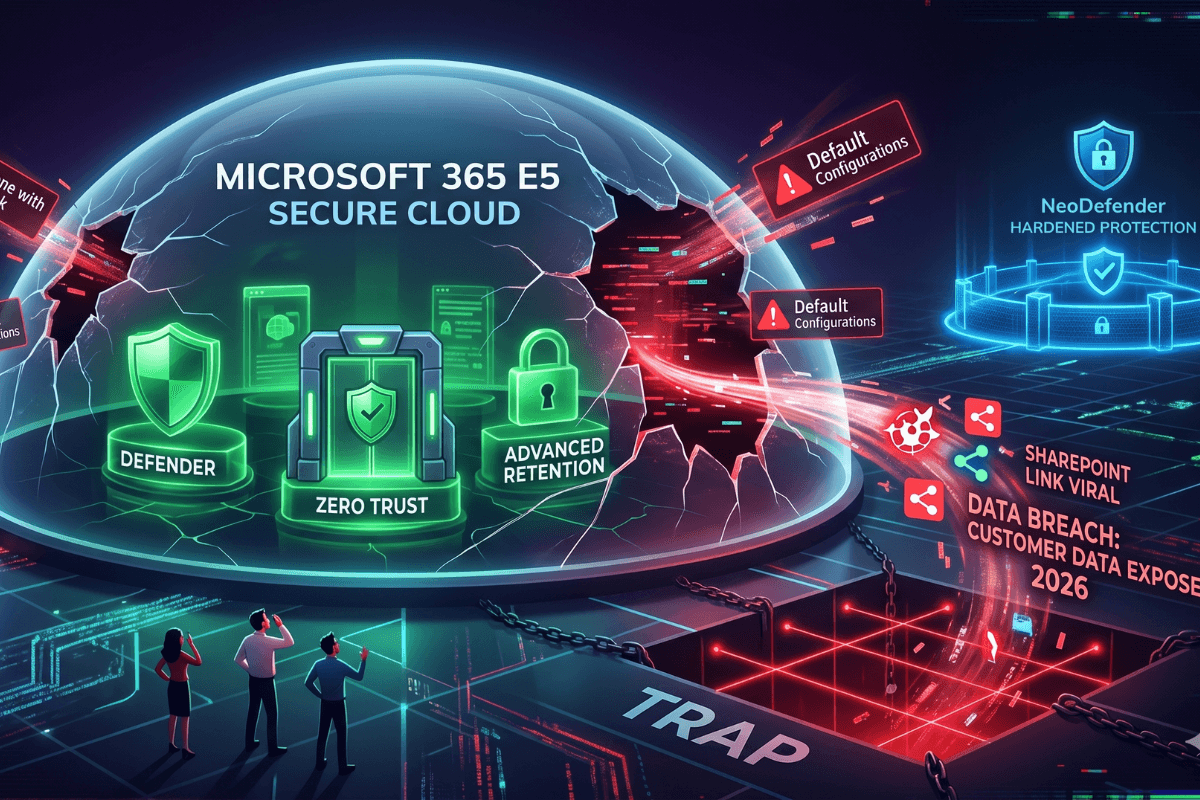
It is 2026. Your MSP sells you on E5 as "out-of-the-box enterprise security." You sign the contract and finally sleep soundly. Weeks later, a SharePoint link goes viral across the internet: sensitive customer data is exposed. Welcome to the "all-inclusive" trap.
E5 markets a sense of total security, spanning everything from Defender and Zero Trust to advanced retention policies. However, upon closer inspection, the default configurations often leave unexpected doors wide open. At NeoDefender, we empower companies to harden their protection and avoid falling victim to these oversights.
The Illusion of "Magic" Licensing
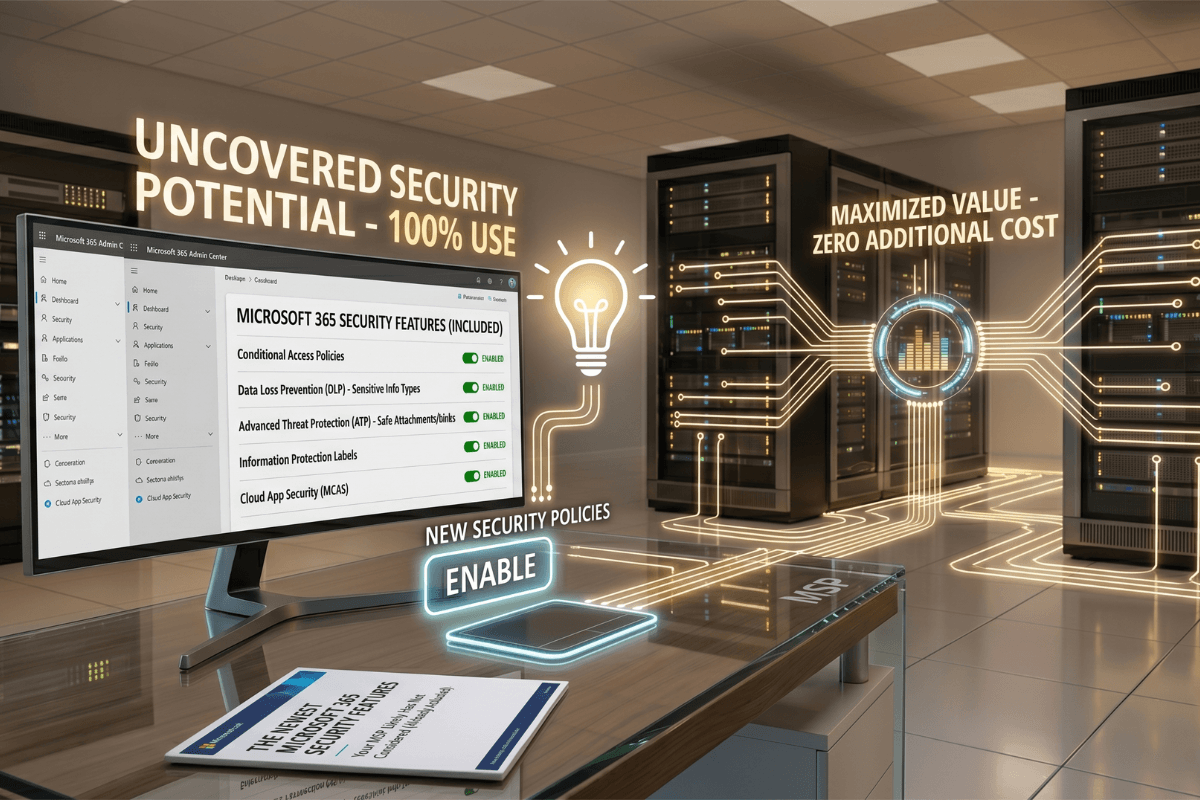
You think E5 activates everything on its own. Spoiler: It doesn't. In reality, 80% of its premium capabilities require manual configuration.
E5 is not plug-and-play. Many believe that by simply acquiring E5, their organization is automatically shielded from every threat. However, effective security depends entirely on how these tools are implemented and customized. Default configurations are often insufficient for complex environments or modern threats, leaving organizations vulnerable without their knowledge.
For instance, if clear rules are not established in Safe Attachments, malicious files can circulate unimpeded. Likewise, if Conditional Access policies aren't adjusted such as implementing geofencing to block logins from countries where the company does not operate access remains unchecked and can become an entry point for attackers. It is essential to audit every module and tailor policies to the specific needs of the business.
The Illusion of "Microsoft Has My Back"
Another common myth is: "Microsoft stores my data, so I don't need a backup."
In reality, Microsoft operates under a Shared Responsibility Model. Default policies typically purge deleted emails and files after 30 to 93 days, depending on the service. Without a dedicated backup strategy, your long-term data retention is far from guaranteed.
Uncontrolled Collaboration: The SharePoint Case
While SharePoint and OneDrive are designed to streamline collaboration, an open configuration can quickly turn into a security nightmare.
"Anyone with the link" permissions allow internal documents to circulate outside the organization without tracking, auditing, or expiration dates.
Microsoft 365 E5 offers powerful safeguards such as automatic link expiration, governed guest access, sensitivity labels, and download restrictions but these must be explicitly activated and tested. Without them, rapid file sharing becomes a silent risk to your data integrity.
From Blind Trust to Intelligent Control
The real step toward modern security isn't just paying for more licenses; it is mastering their implementation.
NeoDefender helps you activate Microsoft 365's advanced security features without compromising user experience or business performance. We fine-tune policies and automate workflows to build environments where every configuration has a clear purpose: to protect without slowing you down.
A deep security audit can reveal critical gaps that often go unnoticed, even by experienced teams. Most importantly, this hardening process occurs without disrupting your operations or requiring painful migrations.