
Microsoft Secure Score is one of the most useful security tools Microsoft ships, and the one most consistently misinterpreted. Leadership teams ask for the number, IT teams report the number, MSPs benchmark themselves against the number, and the number goes up over time, which everyone agrees is good.
We agree too, mostly. Secure Score is a real benchmark grounded in real Microsoft research, and a tenant scoring 70% is genuinely better off than the same tenant scoring 40%. But after running this assessment on dozens of tenants, we have learned that the relationship between Secure Score and actual risk is looser than the dashboard makes it look. Two tenants with identical scores can have very different real-world exposure. Tenants that improve their score by 20 points in a quarter sometimes did the easy work and skipped the work that matters most.
This post is the honest take. What Secure Score is good for, where it falls short, and what to look at in addition to the number.
What Secure Score actually measures
Microsoft Secure Score evaluates your tenant against a defined list of security recommendations across identity, devices, data, and apps. Each recommendation has a point value. Apply the recommendation, the points are awarded. Skip the recommendation, the points stay missing. Your overall score is the percentage of available points achieved, weighted across categories.
The recommendations themselves are reasonable: enable MFA, restrict legacy authentication, configure Defender policies, harden SharePoint sharing defaults, enable audit logging. None of these are wrong. The system is well-designed for what it does: standardize a baseline of hygiene and give you a way to compare your tenant against itself over time.
The problem is not what Secure Score measures. It is what Secure Score cannot see.
Blind spot 1: Configured does not mean operating
Secure Score awards points when a policy is created, not when it is enforced. The most consistent gap we find in audits: a Conditional Access policy exists, Secure Score sees it and grants the points, and the policy is still in report-only mode generating zero enforcement.
This is the same pattern we wrote about in our post on the Conditional Access mistakes that leave your tenant exposed. A policy in report-only mode looks identical to an enforced policy from Secure Score's perspective. The points are the same. The protection is not.
The same dynamic applies to DLP policies left in "test with notifications" mode for 18 months, Intune compliance policies that exist but are not referenced by any access rule, and sensitivity label taxonomies created but never auto-applied. Secure Score sees all of these as configured. They protect almost nothing.
Blind spot 2: Coverage scope is invisible
A Conditional Access policy that requires MFA for "Selected users" (3 named accounts) gets the same points as one that requires MFA for "All users" (200 accounts). Secure Score reads "MFA enforced via Conditional Access" and awards the credit. The fact that 197 of your users are not in scope is invisible to the score.
We routinely audit tenants with Secure Scores in the 60-70% range where 30-40% of their users are not actually covered by the policies that earn the points. The number on the dashboard reflects what is configured. It does not reflect who it applies to.
Blind spot 3: License-tier features that are not licensed
Secure Score's recommendation list includes features from across Microsoft's security stack: Defender for Endpoint, Defender for Cloud Apps, Defender for Identity, Microsoft Purview Information Protection, Audit Premium, and so on. Many of these features require Microsoft 365 E5 or specific add-on licenses.
If your tenant does not have those licenses, Secure Score still shows the recommendations as "available." It does not always make it clear that earning those points requires a license upgrade. Tenants with Business Premium licenses sometimes interpret a 55% score as "we are doing about half of what we should," when in reality, a significant portion of the missing points are unreachable without spending tens of thousands of dollars per year on licensing.
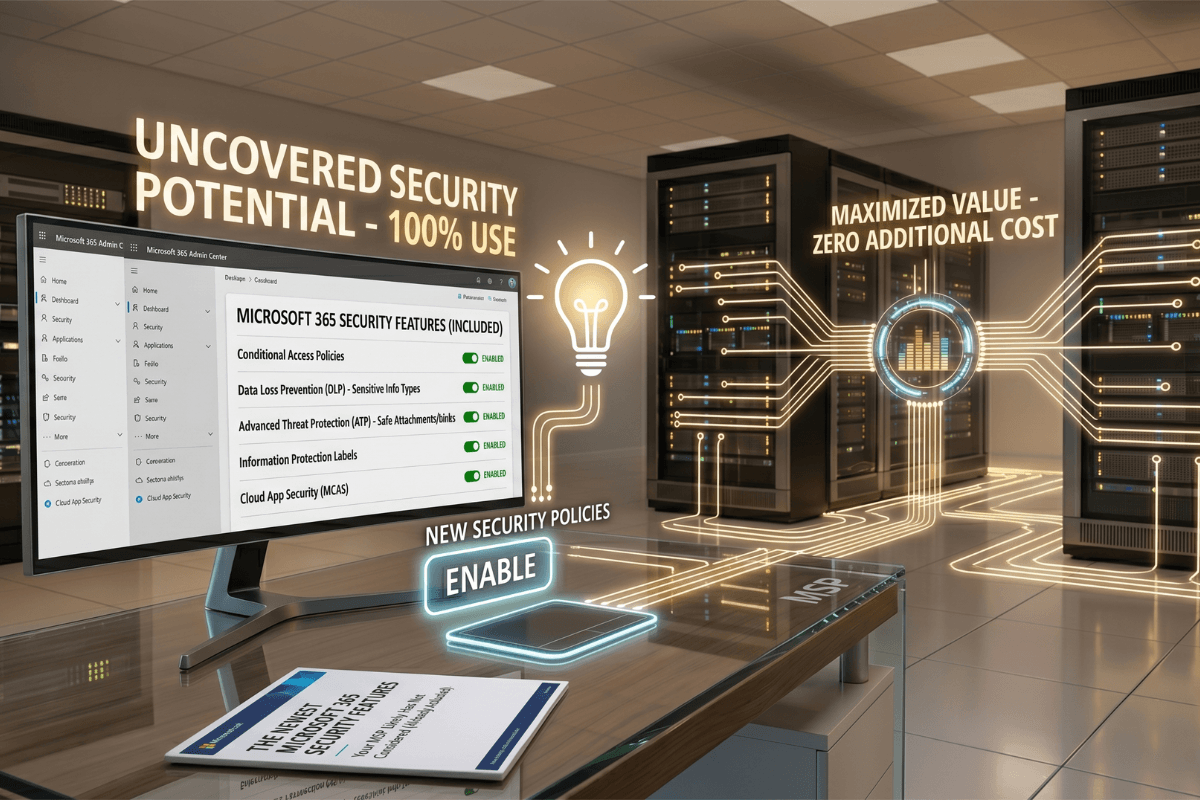
The inverse is also true: tenants with E5 licenses that are not configuring the included E5 features see those gaps reflected in the score. We covered this dynamic in detail in our post on the E5 all-in-one security trap and how to save up to 30% by maximizing your existing Microsoft 365 investment.
Blind spot 4: Weighting reflects Microsoft's priorities, not your risk profile
Secure Score's point weighting reflects what Microsoft considers important for a generic tenant. The weighting is not adjusted for your industry, your data sensitivity, your regulatory environment, or your specific threat model.
A healthcare organization handling PHI has a different risk profile than a manufacturing SMB with mostly internal IP. A financial services firm under SEC and FINRA oversight cares about different controls than a SaaS startup. Secure Score does not distinguish. Two tenants in completely different industries with identical scores can be exposing very different levels of real risk.
For an SMB with valuable IP, the controls that matter most are often around insider risk, DLP, and Defender for Cloud Apps shadow IT discovery. These earn points in Secure Score, but they earn similar points to recommendations that, for that specific business, are less critical.
Blind spot 5: The threats Microsoft is not yet scoring for
Secure Score's recommendation list lags real threat evolution by months to quarters. The attack patterns that dominated 2024 (token theft, adversary-in-the-middle phishing kits like Tycoon and Evilginx, OAuth consent phishing) eventually showed up as recommendations. But for the period when those attacks were active and Secure Score had not yet been updated, tenants could earn near-perfect scores while being completely exposed to the dominant attack pattern.
The same pattern is repeating now with Microsoft 365 Copilot and AI security. We covered why this matters in our post on Copilot governance and preparation. Tenants with Copilot enabled and zero oversharing controls in place can still score well on Secure Score because the Copilot-specific recommendations are still being rolled out. The risk exists today. The score does not yet reflect it.
Blind spot 6: Operational hygiene that Secure Score cannot see
Some of the highest-impact security work is invisible to Secure Score because it does not map to a policy toggle. Examples:
- Reviewing audit logs. Audit Premium being enabled earns points. Anyone actually reading the logs does not.
- Quarterly access reviews of guest accounts. The capability earns points. The hygiene of running the reviews does not.
- Removing service accounts that no longer have a function. Invisible.
- Verifying that break-glass accounts still work. Invisible.
- Investigating sign-ins from unusual locations. Invisible.
- Phishing simulation results and remediation. Invisible.
The work that distinguishes a tenant under active security management from one being checked on quarterly is largely invisible to the scoring system.
How we read Secure Score in audits
We use Secure Score, but as one input among several rather than as the headline metric. Here is the rough sequence we follow when we audit a new tenant:
Step 1: Look at the score, then look past it. A 75% score is good news. A 45% score is bad news. Beyond that, the number itself stops being useful.
Step 2: Sample five "earned" recommendations and verify them. We pick a handful of recommendations that Secure Score shows as completed and verify they are actually operating: policy in enforce mode, scope is "all users," exclusions documented and current.
Step 3: Sample five "missed" recommendations and assess relevance. For each missing point category, we ask: is this missing because the license is not present, because the team has not gotten to it, or because it is not relevant for this organization? The answer determines whether it goes on the remediation list.
Step 4: Layer in the things Secure Score does not measure. Audit log retention and actual review cadence, access review history, guest account hygiene, break-glass account testing, phishing simulation results, real incidents in the last 12 months. These tell us more about actual posture than the score does.
Step 5: Compare configured to operating. For every major control area (identity, device, data, mail), we cross-check whether the policies that earn Secure Score points are actually catching what they claim to. Sign-in Logs filtered by Conditional Access result, DLP incident reports, Defender alerts triaged and closed.
The output of this process is a posture assessment that may or may not correlate with the Secure Score number. We have audited tenants at 80% Secure Score with serious operational gaps, and tenants at 55% Secure Score that were better protected than their score suggested.
What to do with this
Secure Score is worth tracking. It is a useful longitudinal benchmark for whether your hygiene is improving or degrading, and it surfaces real gaps that should be closed. But treating the number as the answer to "are we protected?" is a category error. It is the answer to "are we configured?" and those are different questions.
If your tenant has a Secure Score that leadership has been using as a confidence signal and nobody has gone behind the number to verify what it actually represents, this is the gap we close in our Reality Check audits. We do not throw the score away. We add the context the score cannot see.
If you want a second look at what your Microsoft 365 tenant is really protecting against, schedule a call with the NeoDefender team. We will tell you honestly where your score is accurate, where it is generous, and where the work that matters most is hiding.