
For years, many companies have treated software updates as just another maintenance task, something to be done "when there's time" or "when the vendor requires it." The result is a recurring pattern in all cybersecurity reports: a significant proportion of data breaches stem from known vulnerabilities for which patches were already available but were not applied in a timely manner.
Update management is no longer just a to-do list; it has become an ongoing risk management process, where visibility, prioritization, and automation make all the difference.
The problem with running outdated software
In most organizations, the situation is similar:
- Critical applications that are only updated outside of business hours because "nobody wants to mess with what works."
- Teams using different versions of the same app, some of which are no longer supported.
- Lack of a centralized, reliable inventory of software and versions.
This creates a heterogeneous attack surface riddled with blind spots. An attacker only needs to find a single exposed, out-of-date system, a web portal, an application server, or an endpoint with an outdated browser, to begin escalating privileges and moving laterally. From a business perspective, the risk isn't just "getting in," but the consequences: operational disruption, customer data breaches, financial losses, regulatory fines, reputational damage, and loss of trust.
Added to this is pressure from the supply chain. Even if your systems are reasonably up to date, a key supplier might be using outdated software and become the weak link that leaves your data vulnerable. Without a systematic approach, "patching things up as you go" is like leaving the office door open and hoping no one walks in.
From "patching" to risk management
Continuing to view patches as isolated tasks creates three fundamental problems:
- Lack of context. Not all vulnerabilities are created equal; a critical vulnerability on an exposed server containing sensitive data is more urgent than a minor flaw in a lab environment.
- Lack of prioritization. Without a consolidated view of risk, teams become overwhelmed with endless patch lists, losing sight of what truly protects the business.
- Lack of automation. Manual cycles of assessment, testing, and deployment are too slow for the pace at which new vulnerabilities and exploits emerge.
Risk-based vulnerability management proposes a shift in approach: first, understand which assets are most critical, which vulnerabilities affect those assets, and what their actual exposure is (internet, intranet, remote), and then continuously orchestrate updates, mitigations, or access restrictions. The goal is not to "patch everything all the time," but to reduce the risk of material business impact to an acceptable minimum, using available resources.
How Microsoft Intune helps with update management
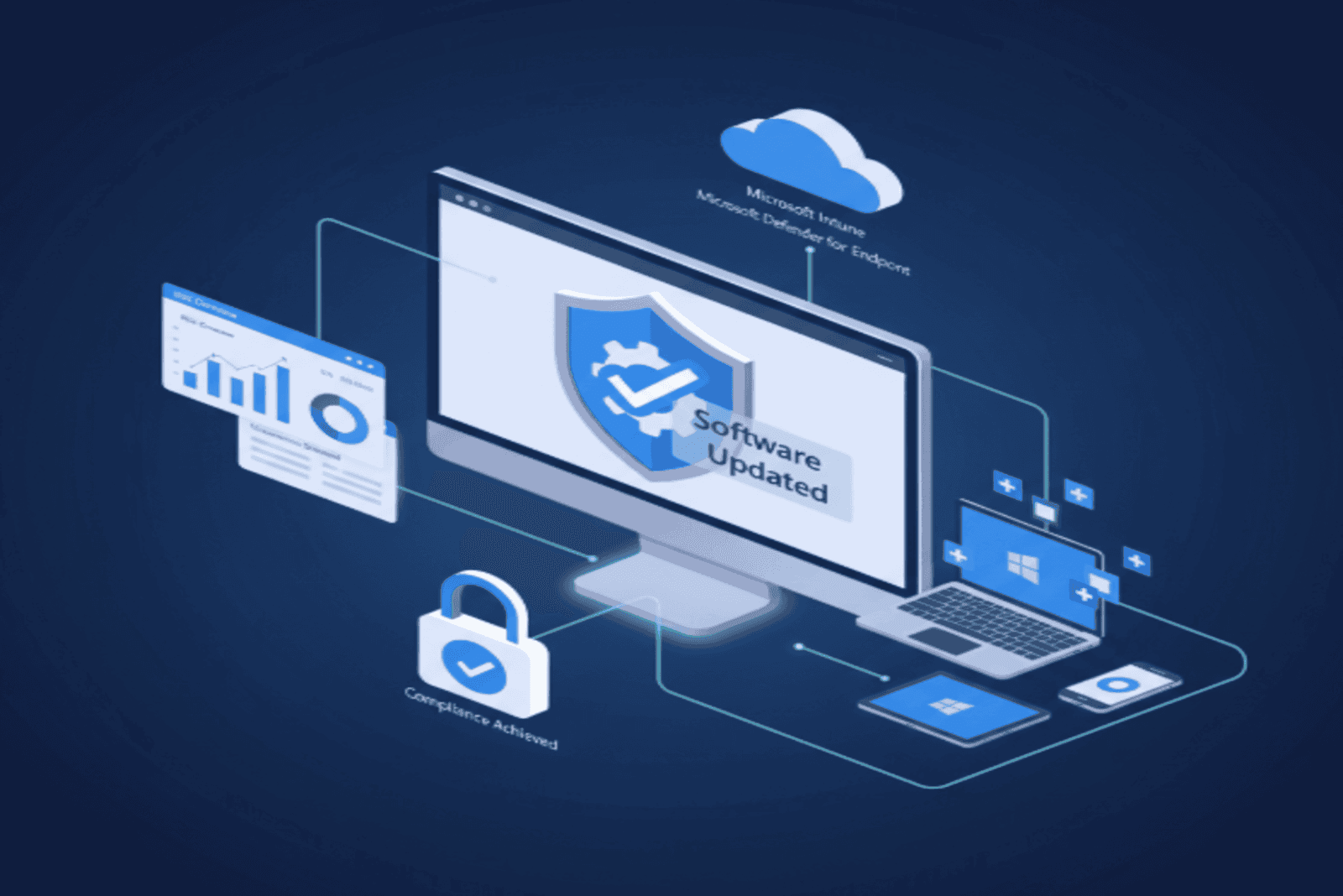
Microsoft Intune serves as the central hub for managing devices and applications in Windows, macOS, iOS, and Android environments and, increasingly, in hybrid scenarios as well. From the perspective of updates and risk management, it offers several key features:
- Automation of OS and app updates. Using Windows Update for Business policies, update ring configurations, and app deployment (Win32, Microsoft 365 Apps, line-of-business apps), Intune allows you to define what gets updated, when, and in which waves, drastically reducing the time between a patch's release and its actual application.
- Centralized compliance visibility. Dashboards and reports show which devices have outdated versions or are missing critical patches, allowing security and operations teams to see the actual status of the fleet without relying on manual inventories.
- Segmentation by groups and criticality. You can create dynamic groups by department, location, device type, or criticality level, applying different update policies based on risk and business impact.
This way, you move away from relying on the "I'll remember to update this server" approach and adopt a declarative model: you define the target policy and let Intune manage compliance, with clear reports on where deviations still exist.
Defender for Endpoint: risk intelligence and vulnerability management
Microsoft Defender for Endpoint provides the other key component: threat intelligence and vulnerability management integrated directly into the endpoint. Instead of simply seeing "X patches are missing," the organization begins to ask business-related questions: "Which actively exploited vulnerabilities are affecting our most critical devices?"
Some key points of the Defender for Endpoint approach:
- Threat & Vulnerability Management (TVM). Provides a software and vulnerability inventory for endpoints, including an exposure score and prioritized recommendations based on active exploitation, asset criticality, and context.
- Integrated security tasks. Allows you to create remediation tasks that can be assigned to operations teams or integrated with management tools (including Intune), closing the loop between detection and remediation.
- Device risk classification. Each endpoint is classified according to its risk level, which can then be used in conditional access policies to limit or block access to sensitive resources from devices in a poor security state.
With Defender for Endpoint, the security team can say: "These vulnerabilities on these devices account for 80% of our current risk. Let's focus on these first," rather than getting lost in a sea of CVEs without context.
Move from reactive patching to proactive risk management
Security management can no longer rely on patches applied "whenever possible" or on manual tasks carried out without context or prioritization. Adopting a risk-based approach, supported by tools such as Microsoft Intune and Defender for Endpoint, allows you to protect critical assets, automate processes, and reduce exposure to real threats.
Don't wait for a breach to force you to act. Schedule a call with the NeoDefender team today and take the first step toward managing your device security proactively and effectively. We're ready to help you transform your cybersecurity strategy.